

Why Do Hundreds of Multiplayer Games Fail on Steam Deck? Linux Isn't Always the Problem
Around 59% of the anti-cheat games tracked by Are We Anti-Cheat Yet are broken on Linux/Proton or have been explicitly denied support. Yet EAC and BattlEye have Proton-compatible paths. For major games such as Apex Legends, the obstacle is often a developer's security decision rather than a technical impossibility.
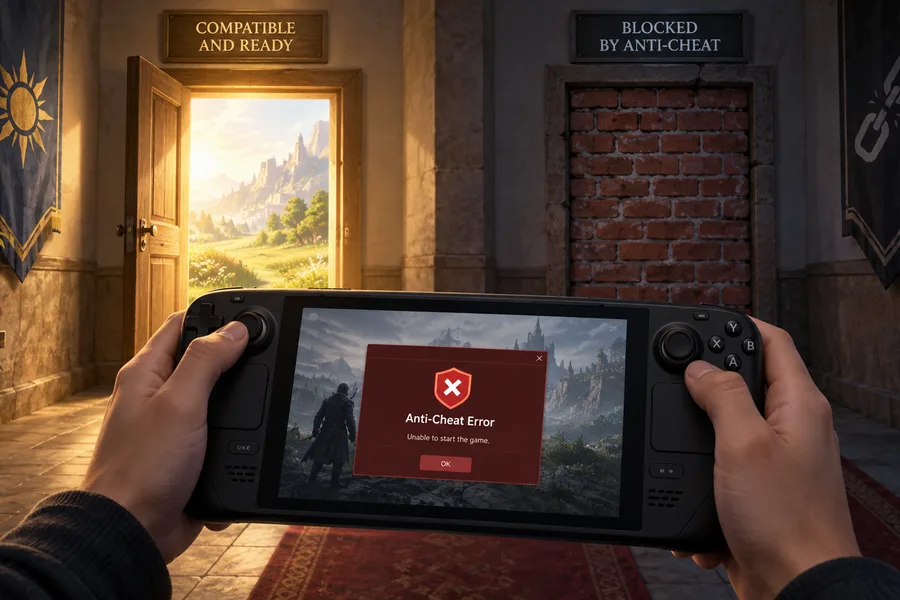
You buy a Steam Deck, launch a multiplayer game from your library, and either nothing happens or an anti-cheat error appears. The standard explanation is ready-made: “Anti-cheat doesn't work on Linux.”
That's true for some games. For many others, it isn't — and understanding the difference can help you judge whether a game might work in the future.
First, the numbers — with an important caveat
One of the best-known resources tracking the issue is the Are We Anti-Cheat Yet database. Its figures at the time of writing are:
| Status | Games | Share |
|---|---|---|
| Supported | 196 | 17% |
| Running | 276 | 24% |
| Planned | 2 | 0% |
| Broken | 640 | 55% |
| Denied | 53 | 5% |
That's 1,167 games in total. Combine Broken and Denied, and you get 693 games, or about 59%.
A caveat is essential here: this database is not a representative sample of the popular multiplayer games people actively play on Steam Deck. It tracks a broad range of known games using anti-cheat, including older, regional and less-played titles. GamingOnLinux maintains a narrower list focused on more current games, and the picture there is considerably more positive.
The accurate conclusion is that most games in this broad, tracked set of anti-cheat titles do not work. Saying “59% of multiplayer games don't work on Steam Deck” would stretch the data far beyond what it measures.
It's also worth clarifying the Denied category. It doesn't mean players have been banned; it means the developer has explicitly declined Linux/Proton support.
Where anti-cheat runs: two different situations
This technical distinction underpins the rest of the story.
Kernel-space anti-cheat operates at one of the operating system's most privileged levels, using a signed driver. It is designed to detect cheats operating at that same level. Riot's Vanguard and Activision's RICOCHET fall into this category.
Anti-cheat that has a supported path through Proton is a different story. Valve's Steamworks documentation says Proton supports common middleware such as Easy Anti-Cheat and BattlEye. The same document recommends user-space components for the best results under Wine/Proton and states that kernel-space solutions are “not currently supported and are not recommended.”
That distinction matters: it doesn't mean EAC and BattlEye run entirely in user space. Their Windows implementations can include kernel components too. What it does mean is that the mere presence of EAC or BattlEye does not automatically make a game incompatible with SteamOS.
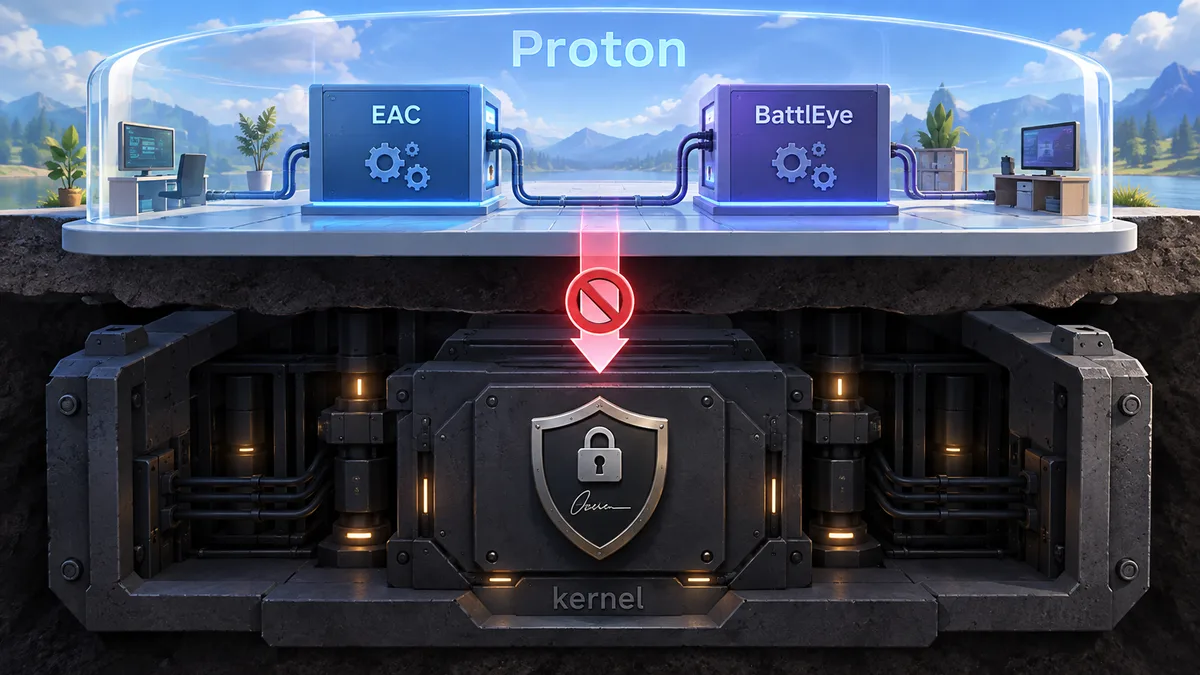
So why do so many games still fail?
Because compatibility isn't enabled automatically. Developers have work to do.
Valve lays out concrete steps for EAC: a developer needs to enable the Linux platform in the SDK configuration on the EAC partner site, activate the client module for Unix platforms, download the Linux library and place it alongside the Windows library under the appropriate name, then publish a new build through Steamworks. BattlEye requires per-game manual configuration, with developers directed to contact Valve or BattlEye.
So this isn't necessarily a checkbox that takes a few seconds. But it isn't an insurmountable engineering problem either. It's work that has to be prioritized.
Two games, two decisions
The contrast is clearest when you compare two titles.
Dead by Daylight uses EAC and continues to support Linux and Steam Deck. When developer Behaviour Interactive released an EAC security update in July 2026, it explicitly said the change should not affect people playing on Linux or Steam Deck. Same anti-cheat middleware, support enabled.
Apex Legends uses the same middleware but closed off Linux and Steam Deck access — and EA explained why. According to the development team's statement, it regards Linux as a route for certain exploits and cheats, cannot reliably distinguish a legitimate Steam Deck from a malicious Linux client claiming to be one, and weighed the relatively small Linux player population against what it saw as the impact on the wider game.
You don't have to agree with that reasoning, but it matters to describe it accurately: this was a risk and cost-benefit decision, not an announcement that Linux compatibility was technically impossible.

There's a third example: Destiny 2 uses BattlEye, so it comes with anti-cheat middleware for which a Proton-compatible route exists. But Bungie has not enabled Linux support, and the game cannot be played on Steam Deck under SteamOS.
Where the technical wall is real
Not every case is a matter of choice within an existing compatibility path. With Windows kernel-level systems such as Vanguard and RICOCHET, the obstacle is architectural. That's why games such as Valorant and Call of Duty: Black Ops 7 appear on incompatible-game lists. Valve's own documentation says Proton does not support kernel-space anti-cheat solutions.
For these titles, “the developer just needs to turn it on” is the wrong explanation. A simple settings change is not enough: the anti-cheat architecture would have to change, or an equivalent approach would need to become available on SteamOS.
Why the distinction matters
When something fails, the first question should be: is this a capability limit or a decision?
Both lead to the same visible result — the game doesn't work — but the implications are very different. If the obstacle is a capability limit, the solution lies in the architecture. If it's a decision, it can change as developer priorities shift, the player base grows or the tools mature.
The distinction is useful when looking through your Steam Deck library, too. If a game uses EAC or BattlEye but doesn't currently work, Proton support may be technically possible. Whether it actually arrives depends on developer decisions, implementation details and other dependencies. For a game that relies on a kernel driver, the thing to watch for isn't a developer flipping a switch; it's an architectural change.
What should players do?
Here's the practical version:
- Check before you buy. Look at Are We Anti-Cheat Yet alongside the game's Steam Deck compatibility rating on Steam. Middleware that supports Linux does not guarantee that a particular game supports it.
- Look beyond the compatibility label to the anti-cheat implementation. The status of an EAC or BattlEye game can change. For a game that depends on a kernel driver, such as Vanguard or current RICOCHET implementations, expecting a simple Proton-support toggle isn't realistic; the existing architecture would need to change.
- Take the Denied label seriously. It means the developer has considered Linux/Proton access and said no.
Steam Machine will hit the same wall
Finally, this isn't a Steam Deck-only problem. Valve's Steam Machine will run SteamOS too, so it will face the same compatibility barriers. Valve's current Steamworks documentation still lists kernel-space anti-cheat as unsupported by Proton.
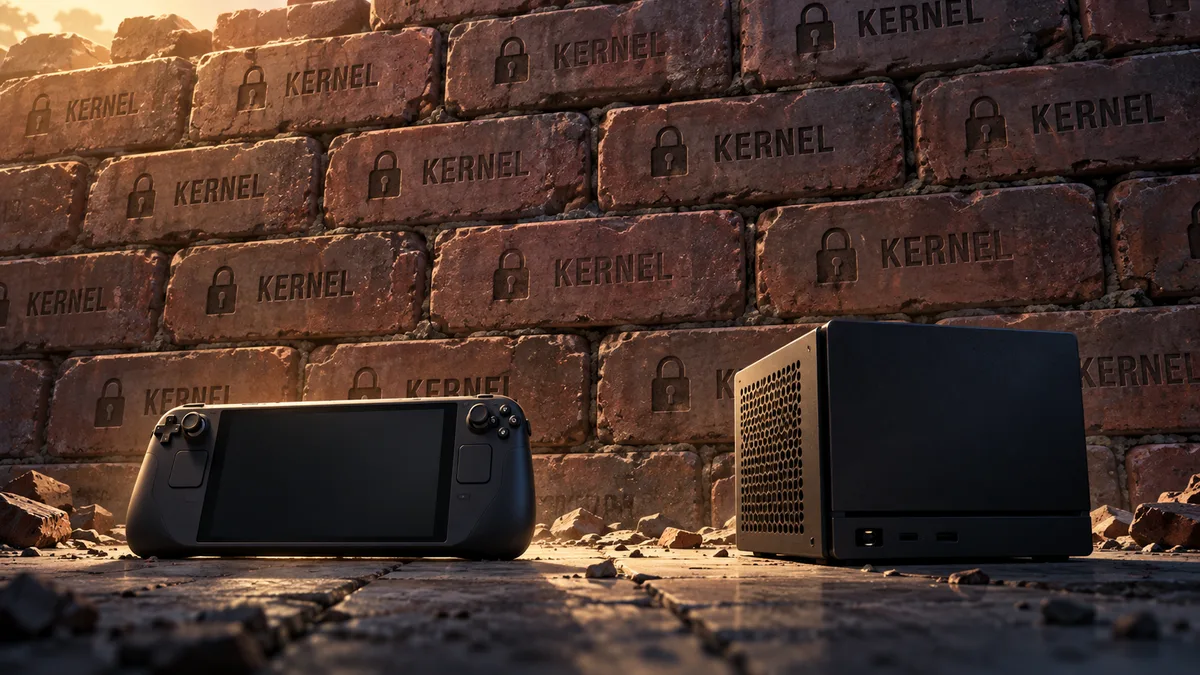
That means the next major change may come less from the underlying architecture than from developers reconsidering their decisions. And one factor shaping those decisions is easy to identify: how many people are playing on SteamOS.
TagsSteam