
Technology
NVIDIA is linking the computers in your home: what PAIR solves, and what it doesn't
PAIR gathers several computers on a home network behind a single local AI endpoint. But it does not pool the memory of your graphics cards.
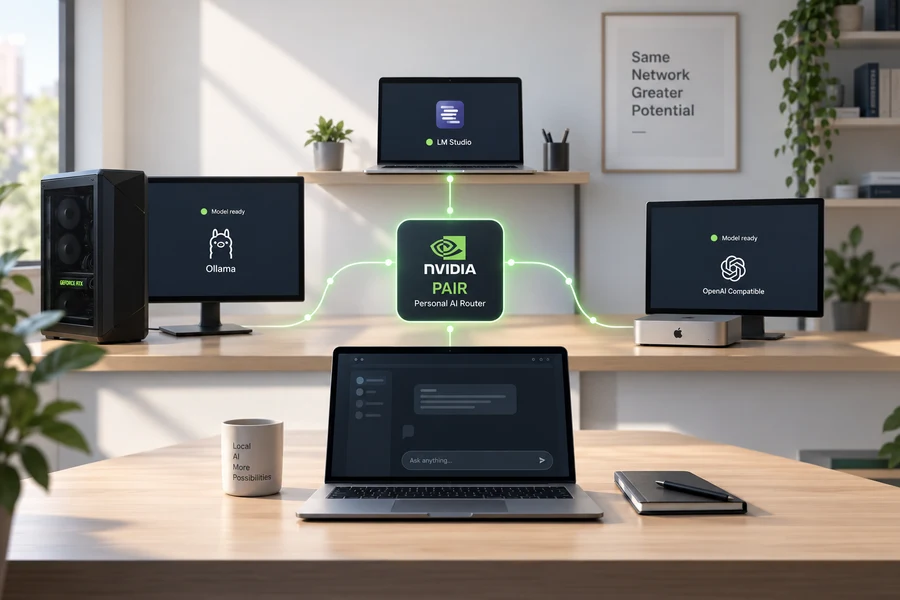
On September 3, at IFA 2026, NVIDIA announced a new tool: the Personal AI Router, PAIR for short. It's free, open source, and available now as a public beta.
What it does, in one sentence: it automatically discovers compatible computers on your home network and routes local AI requests to whichever machine is free at that moment.
The first question that came to mind when I read the announcement was this: does it mean combining two graphics cards to run a bigger model? The answer is no. And that "no" is the real subject of this piece, because the problem PAIR solves and the problem most people hope it solves are not the same.
What PAIR does
Normally, when you run a local model, you connect to Ollama or LM Studio; the request goes out and the graphics card in that machine produces the answer.
PAIR steps in between. It shows your applications a single address, and behind it, it knows every eligible machine on the network. When a request arrives, it first identifies the nodes that can run the requested model, then looks at queue depth and GPU utilization and routes the request to one of them.
Don't expect that choice to be very refined. According to NVIDIA's known issues page, the routing decision is based on queue depth and coarse GPU utilization; VRAM capacity, GPU model, latency, and whether the model is already loaded in memory are not taken into account. So PAIR is not a system that "picks the strongest card"; it's a system that "finds the one that's free."
Setup follows from that: you install PAIR on every machine you want to include and approve the pairings on the local network. Each node needs an inference engine; if Ollama or LM Studio is already installed, PAIR uses it, otherwise it can install one. Applications that connect to Ollama or to an OpenAI-compatible local endpoint need no integration changes; pointing the app at PAIR's local endpoint is enough.
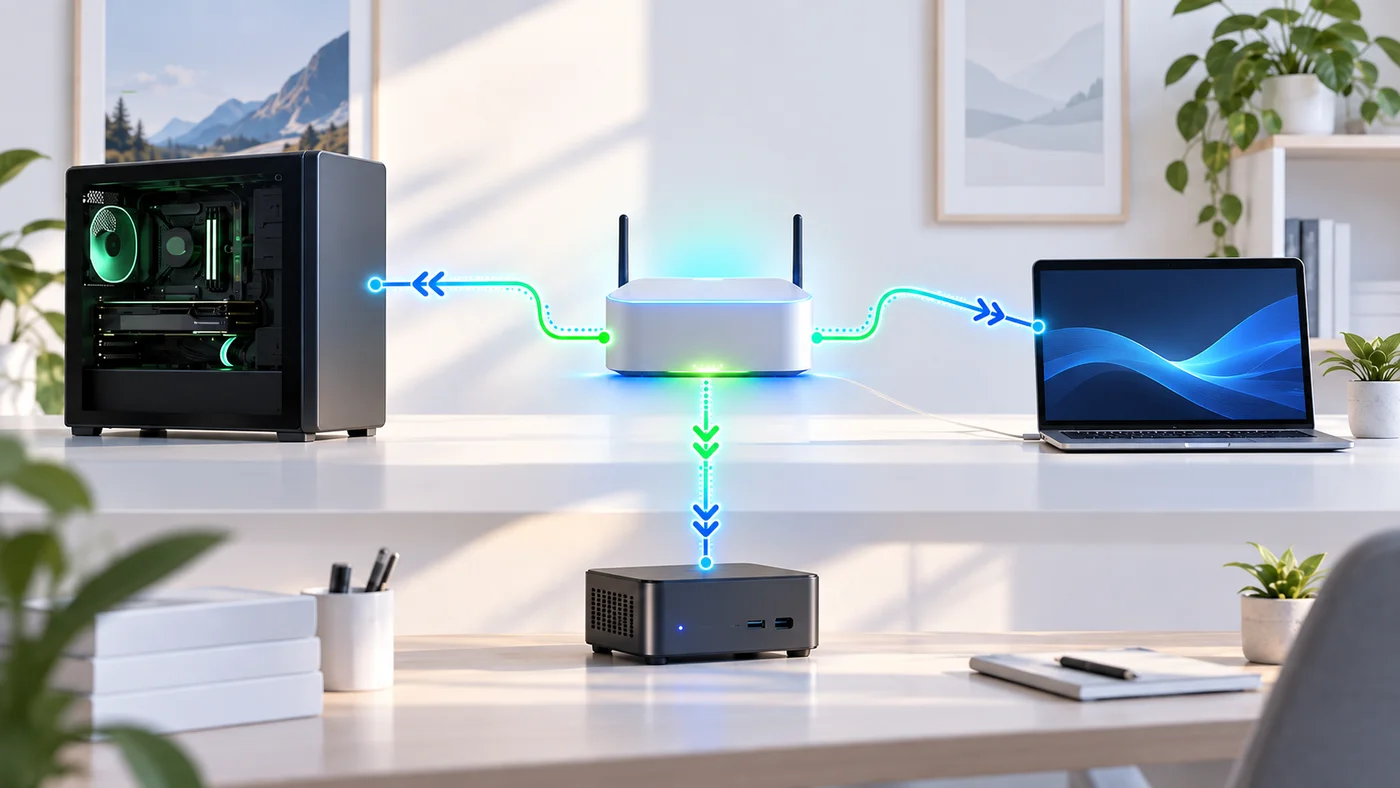
The supported hardware list is wide: Windows, macOS, and Linux; RTX 20 series and later, RTX PRO workstation cards, DGX Spark, and Apple M4 chips.
What PAIR doesn't do
Stated plainly in NVIDIA's documentation: PAIR does not pool GPU memory and does not split a single model across machines.
This distinction matters because the wall you hit most often in local AI is the memory wall. If you have 12 GB of VRAM, PAIR does not turn it into 20. A model can spill into system RAM to the extent your runtime allows it, so models larger than VRAM can run, slowly, but that isn't something PAIR does. PAIR does not add a second machine's memory to the first machine's VRAM. 12 GB + 8 GB does not become a single 20 GB graphics card when you install PAIR.
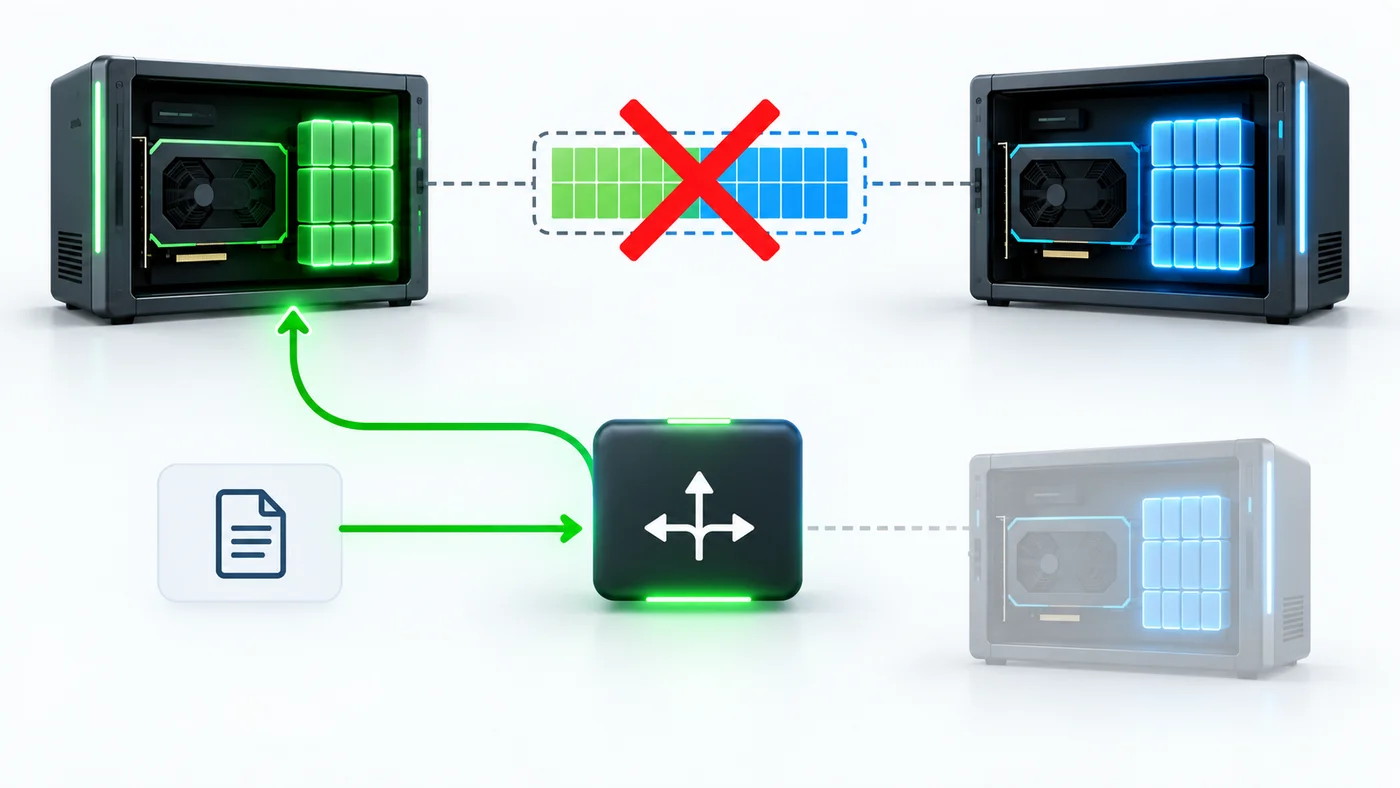
One more detail: PAIR does not share models between machines. For the same model to accept requests on two computers, it has to be installed separately on both. A request can only be routed to a node if that model is present there.
So PAIR does not give you:
- A bigger model
- A faster answer to a single request
- The memory of two cards added together
- Models moving to the other machine on their own
What it actually provides is routing independent requests to the eligible machines on the network. The most visible benefit is that several machines can work at the same time on parallel jobs.
So who is it for
NVIDIA's own example explains it well. In agent-based workflows, a main agent takes a complex task, breaks it into subtasks, and starts them all at once. Each sub-agent needs to make a model call. With a single graphics card, those calls line up and wait on each other.
In NVIDIA's own demo, a task with five sub-agents took an average of 18 minutes on a single RTX Spark laptop, and dropped to 8 minutes 48 seconds on a three-device cluster.
Before taking that number at face value, look at what the cluster was made of: an RTX Spark laptop, a DGX Spark, and an RTX 5090. So what's being measured isn't just the effect of "spreading across three machines"; noticeably more powerful hardware was added to the cluster as well. NVIDIA itself notes this is a configuration-specific demo, not a general benchmark.
The logic is still clear: five jobs run in parallel instead of in sequence.
My reading is that the place where PAIR genuinely helps is a fairly narrow intersection:
- You have more than one sufficiently powerful computer at home
- You use agent-based, parallel workflows
- Those machines are sitting idle at the same time
When all three hold, PAIR's benefit becomes obvious. With two of the three it can still be useful; even without agents, you could route AI requests to the other machine so the main computer you're gaming on isn't tied up. For someone with one computer who chats with a model now and then, it means very little.
Why it's still worth noticing
I'm not writing this to dismiss it. What I find interesting is that instead of recommending a bigger single graphics card, NVIDIA is trying to bring the machines already sitting in your home into the same workflow.
Over the past year, local AI went from a hobbyist thing to real workflows. Agents became common. And users with a single powerful card started hitting a practical ceiling: agents running at the same time compete for the same hardware, slow each other down, and in the end people drift back to the cloud services they were trying to leave.
PAIR goes around that ceiling rather than through it. Instead of selling a more powerful single machine, it proposes putting the machines already in the house to work. By NVIDIA's own figure, more than half of US households have two or more computers, and most of them sit idle through the day.
Being open source and free supports that reading: PAIR isn't a product, it's a tool that makes NVIDIA hardware more valuable by making local AI more usable.
The view from Turkey
Keeping two compatible computers at home isn't realistic for most users here. The "RTX 20 series and later" requirement widens the list a bit; if you haven't retired your old gaming PC, it can serve as a second node.
But honestly, the problem for someone running local models on a single card isn't parallelism. It's still memory. And PAIR doesn't solve that.
Still, since it's a beta and free, trying it costs nothing. If you have two machines, it's worth installing and taking a look.