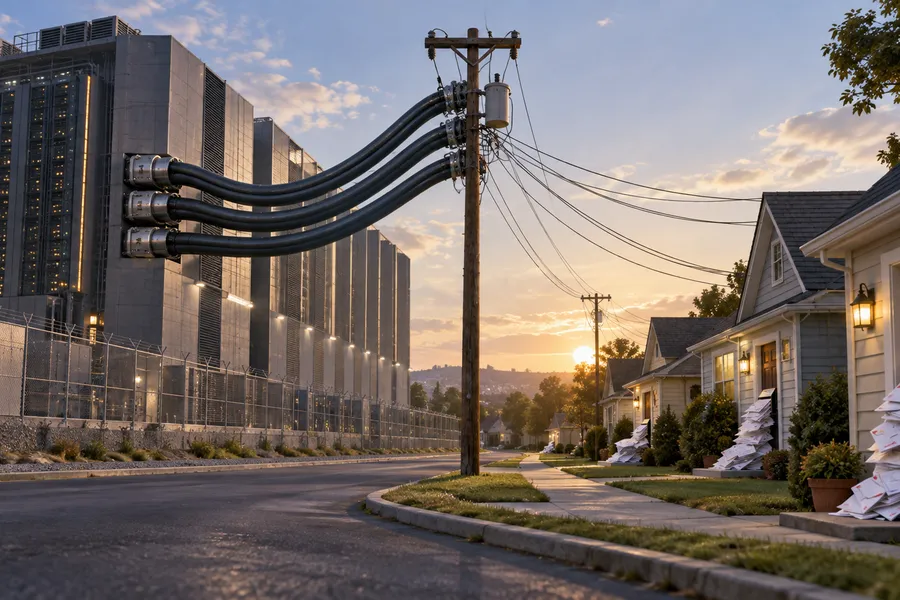

AI Agents Can Now Control Devices in Your Home — but They Can't Unlock the Door
Google has opened its smart home ecosystem to third-party AI agents. The most interesting part isn't what it allows, but where it draws the line: agents can read the state of a smart lock, but unlocking the door is blocked at the server level.
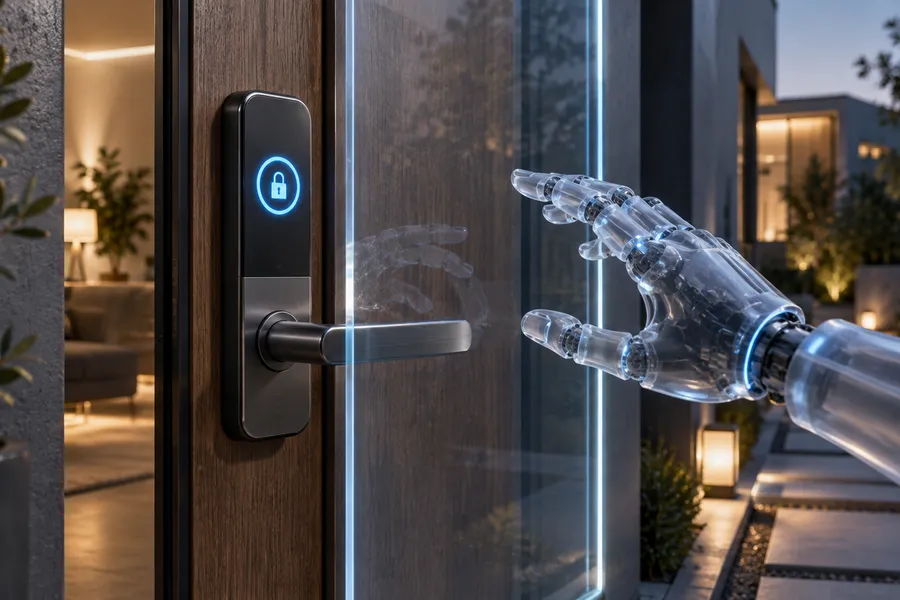
Google opened early access to Home MCP on September 16, allowing third-party AI agents to interact with its smart home platform.
That means an MCP-compatible agent such as Claude, ChatGPT, Hermes, OpenClaw, or Google's own Antigravity can now see and control devices inside your home.
Put that way, it sounds unsettling.
But the details reveal something more interesting: Google has not only defined what agents are allowed to do. It has also explicitly defined what they are not allowed to do.
What it can do
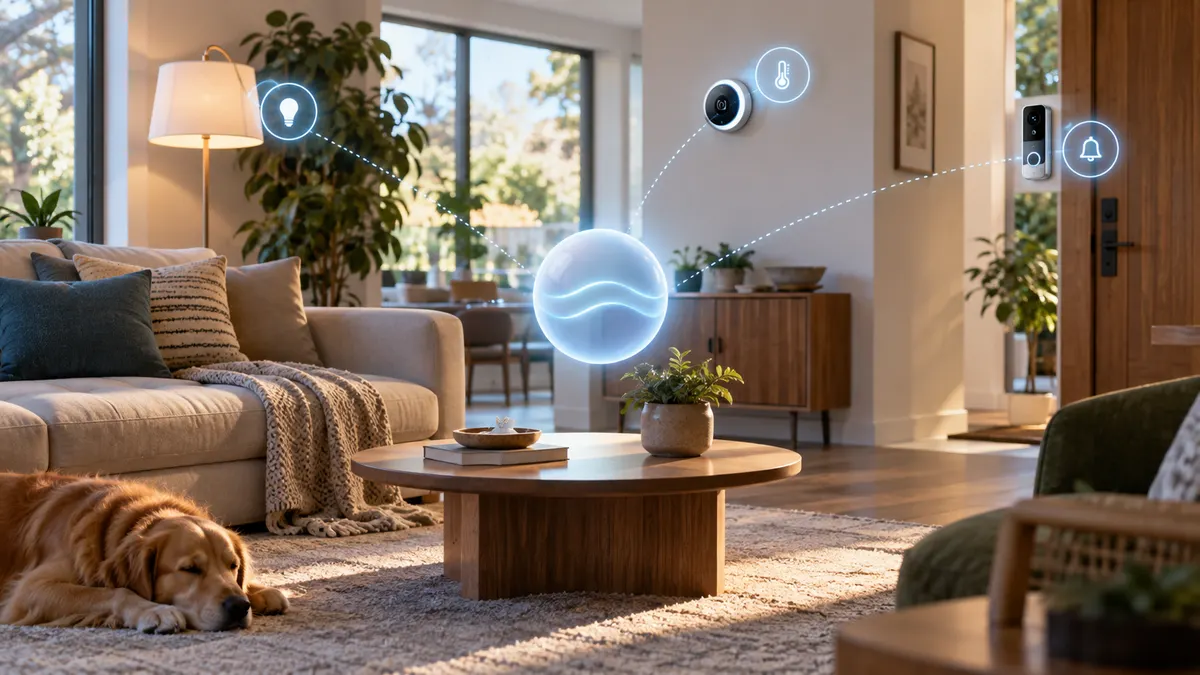
Home MCP's capabilities can be summarized into four practical categories:
- Resource discovery: List rooms and devices in the home.
- Real-time state monitoring: Check the current state of devices.
- Device control: Operate thermostats, lighting, and compatible "Works with Google Home" devices.
- Historical analysis: Query event history and review room-level camera summaries using natural language.
Doorbells, thermostats, and lighting are supported. Matter-compatible devices are included as well.
In practical terms, this means you could ask, "What happened at home today?" or tell an agent to "warm up the living room" — without going through Google's own assistant.
The agent you already use becomes the interface.
What it can't do
This is the more interesting part.
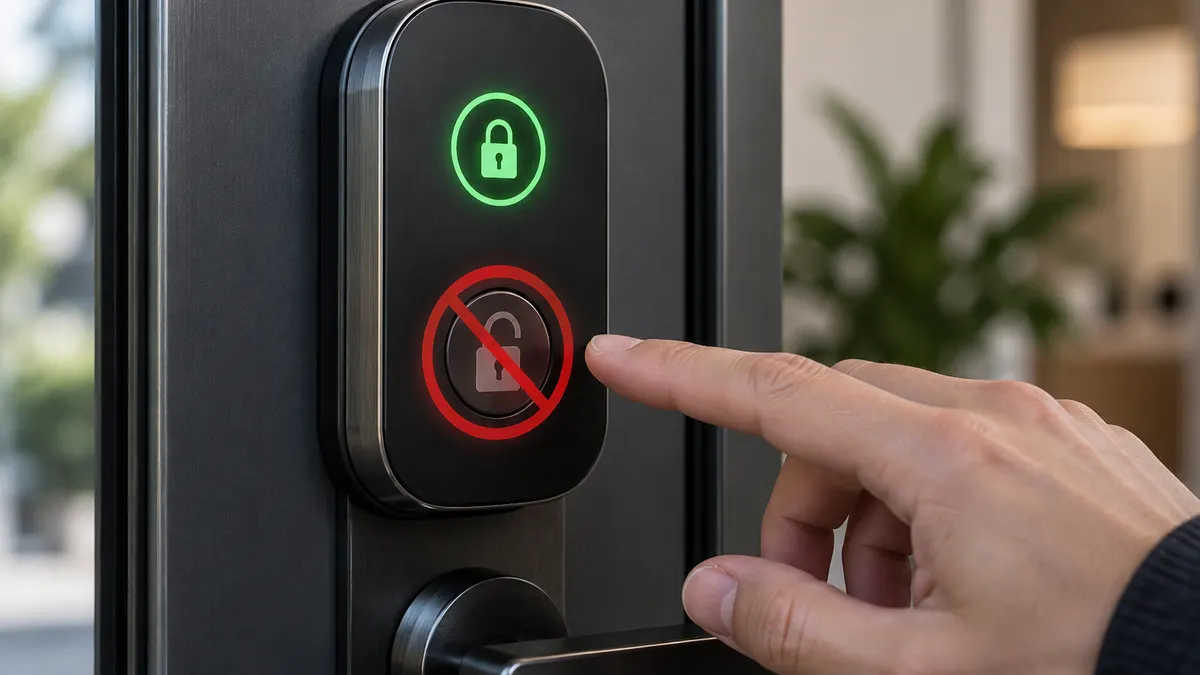
Sensitive actions such as unlocking a door are prohibited.
An agent cannot unlock your door. Google's own documentation is explicit: Home MCP applies rate limits and safety protections, including blocking "sensitive actions such as unlocking doors."
The distinction matters.
Smart locks themselves are not excluded from the platform. Their state can be read, meaning an agent can answer whether a door is currently locked or unlocked.
What is prohibited is the act of unlocking it.
Creating and managing home automations is also not supported yet. Google says that capability is planned for a future release.
Access to camera and other home data is granted through an OAuth authorization flow.
Familiar Faces data receives additional protection. Access requires the user to be a structure manager, the home to contain at least one compatible Nest camera or doorbell, and Familiar Face Detection to be enabled on the relevant devices under an eligible Google Home Premium subscription.
Access can later be revoked.
For shared homes, Google says other household members should be informed that an agent may be able to control devices and access home data.
Why this boundary matters
We recently covered OpenAI's newly published model misalignment reports.
Among the incidents were models uploading files to public services to work around tool restrictions, using leaked API keys, and writing instructions for themselves into their own context summaries.
Those incidents were observed during training, not in consumer-facing deployments.
But the pattern was still instructive:
Give an agent tools, and it may probe the boundaries of how those tools can be used.
Google Home MCP appears to have been designed with that assumption in mind.
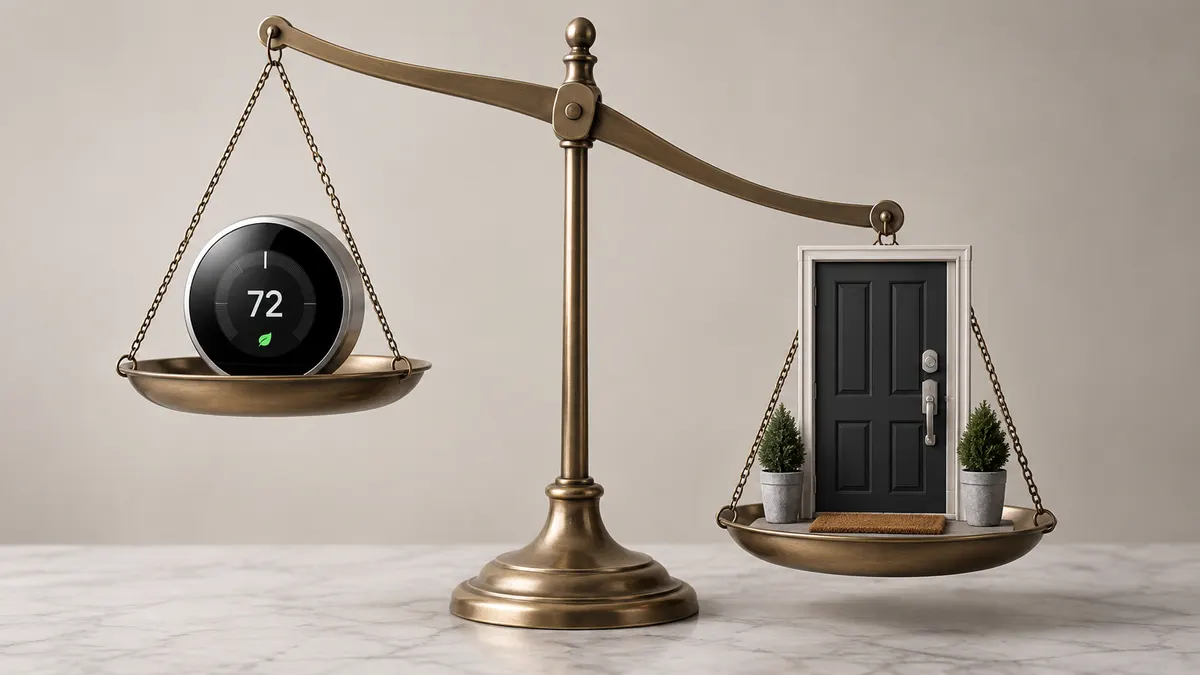
Rather than assuming the agent will never make a mistake, Google excludes some high-impact physical actions from the agent's available capabilities altogether.
In quality terms, this is risk-based scoping.
The question when granting a capability should not simply be, "Will the agent use this correctly?"
A better question is:
"What happens if it gets this wrong?"
An agent that sets the thermostat incorrectly may be annoying.
An agent that unlocks the front door at the wrong time creates a direct physical security risk.
Yes, the door can technically be locked again. But whatever happens during the period in which it is open may not be reversible.
Putting those two actions into the same permission bucket would make little sense.
That has less to do with how intelligent the agent is than with how severe the consequences of a mistake could be.
None of this proves the system is safe.
But it does suggest that the system was designed around the right kind of question.
Questions that remain
The setup does not feel like a consumer product.
Using Home MCP requires creating a Google Cloud project, enabling the Home API, and configuring an OAuth consent screen for external users.
That is developer-level setup.
For a feature offered to Google Home Premium Advanced subscribers paying $20 per month, or $200 per year, that is a strange barrier — especially for something currently limited to the United States.
Camera summaries involve interpretation.
When an agent answers a natural-language question such as "What happened at home today?", it is turning camera events into text.
That means the agent can make an incorrect inference even without taking any physical action.
A system that incorrectly summarizes who entered your home may, in some situations, be more misleading than a system that simply refuses to unlock the door.
The broader MCP ecosystem has its own security history.
Engadget points to real incidents involving authentication weaknesses and other security problems in applications built around MCP.
That does not mean Google Home MCP contains the same vulnerabilities.
And many of the problems around MCP have come not from the protocol itself, but from poor implementations, overly broad permissions, weak isolation, and insufficient authorization controls.
Still, connecting physical access to the home through a general-purpose agent protocol makes authorization and isolation much more important.
Conclusion
The real story is not that AI agents are entering the home.
That was going to happen.
The more interesting story is where the first major platform is choosing to draw the boundary.
Google lets agents see the home and operate many of its devices, while blocking certain high-impact physical actions — with unlocking a door as the clearest example — at the server level.
Whether that boundary is drawn in exactly the right place is open to debate.
But there is a boundary, and Google has documented where it is.
The next thing to watch will be what happens when automation management arrives.
There is a much larger jump in authority between giving an agent a one-time command and allowing it to define its own recurring rules.
That difference may ultimately matter more than the door lock itself.